
Share out the emails
Every email has someone on it. And everyone can see who.
Take an email in one click, hand it to a teammate, leave a note beside it. The whole team sees what is waiting, what is in progress and what is done, so nothing is forgotten and nobody replies twice.
- No credit card
- Keep your address and your emails
- From €10 a month per mailbox, excl. VAT
How it works
From arrival to done, without chasing each other.
Take it or hand it over
“I'll take it” puts your name on the email. Hand it to another member at any time, or put it back in To assign.
The context stays with the email
Team notes and @mentions stay beside the conversation, never sent to the person who wrote. The history shows who did what.
Nothing waits unnoticed
A notification when nobody has taken an email after 10 minutes, and another when someone has been waiting 24 hours for a reply.
Up close
What it looks like in Trupeo.
Real Trupeo screens. The people, the emails and the association are invented.
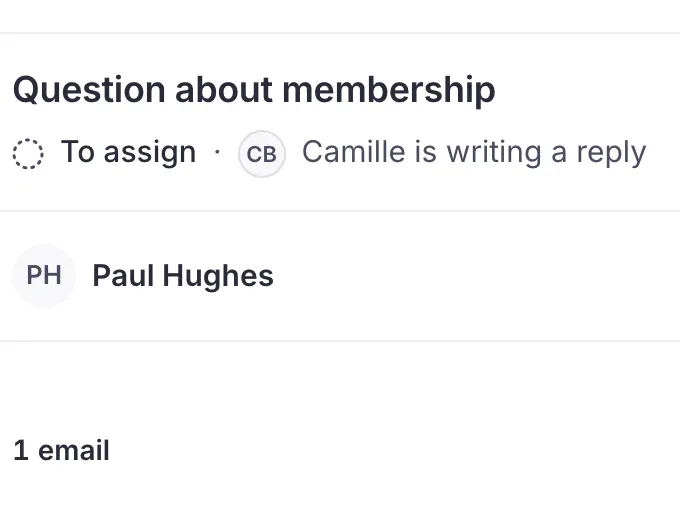
Nobody answers twice
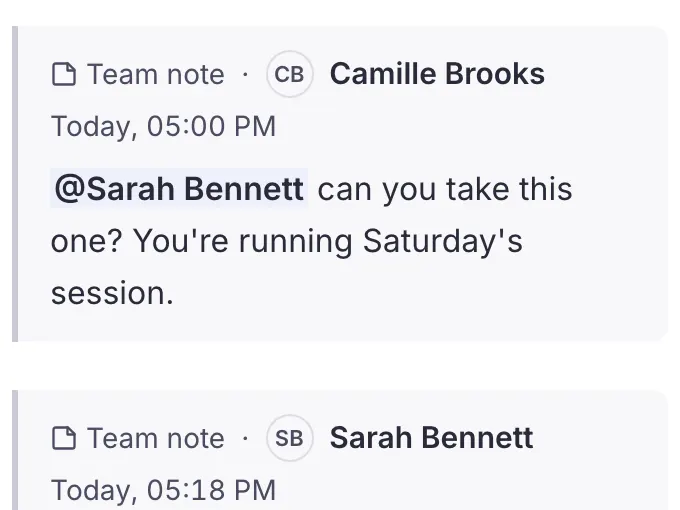
The handover stays next to the email
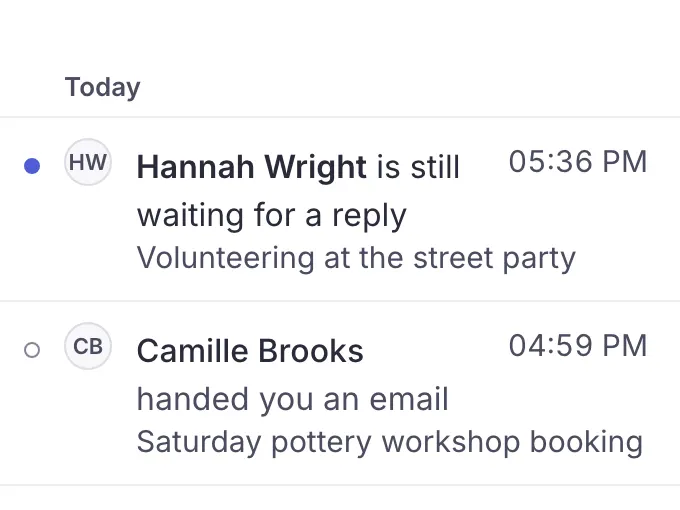
For every email, someone is on it
In detail
Everything this covers.
Every plan includes all of it, whatever the size of your team. See pricing
- I'll take itTake an email with "I'll take it", hand it to another member at any time, or put it back in To assign
- Views and statesFind the For me, To assign, Still to do, Done and All views. Every conversation says whether it is to assign, in progress or done, and you mark it done when it is finished
- New for meSee what is new for you: an email or another member's note that arrived since you last opened the conversation
- ScopesThe owner creates scopes and can limit a member to some of them: that member then sees only the conversations filed there. Any member can file a conversation, and a new conversation arrives without a scope until a member files it
- Separate an emailSeparate an email that landed in the wrong conversation so it gets one of its own
- Bulk actionsAct on many emails at once (trash, done, assign, label, folder), and undo if needed
- Follow a conversationFollow a conversation someone else is on, find it in the Following view, and choose what you are told about it
- Unread and star, just for youMark a conversation as unread or star it just for you: the rest of the team sees nothing change
- Notes and @mentionsKeep team notes with the conversation and @mention the right member
- HistoryFollow the conversation's whole history: who assigned it, forwarded it or marked it done
- Who is replyingSee when another member is writing a reply, before you start yours
- No double repliesWhen another member is already replying, Trupeo stops you editing and sending at the same time, says so calmly and keeps your text
- Print, PDF, .emlPrint a conversation, with or without the team notes, preview a PDF without downloading it, and download an email as an .eml file
- Alert after 10 minGet a notification when nobody has been on an email for 10 minutes, and take it straight away with "I'll take it"
- Waiting 24 hHear about it when someone has been waiting 24 hours for a reply
Questions
Questions about sharing out emails.
What teams ask before they start.
Does the person who wrote see who is handling their email?
No. Who is on an email, its state and the team notes stay inside Trupeo. The person who wrote only receives your reply, from the shared address.
What if two people start replying to the same email?
The second one sees that a member is already writing before starting. If both write anyway, Trupeo stops them sending at the same time, says so calmly and keeps the text.
Take or hand over an email
Can a member see only part of the mailbox?
Yes. The owner creates scopes and can limit a member to some of them: that member then sees only the conversations filed there.
Scopes, step by step
What happens to someone's emails when they leave?
When the owner removes a member, the emails that member was on go back to To assign, and their notifications stop.
Keep going
The other features.
Ready to make your shared inbox simple?
Connect your current address and bring your team together. Nothing to install: Trupeo opens in the browser.
- No credit card
- No commitment
- You keep your address