Booking the village hall on 14 November
To assignMarie is on it✓ Done by MarieVValfleuri Town Hall · Today, 16:05
Dear Chair, we have received your request for the village hall. Could you confirm what time you will finish?
I'll take itHow it works
Connect the address you already use. Here is how every email goes from arrival to done, with the name of whoever handled it.
Up close
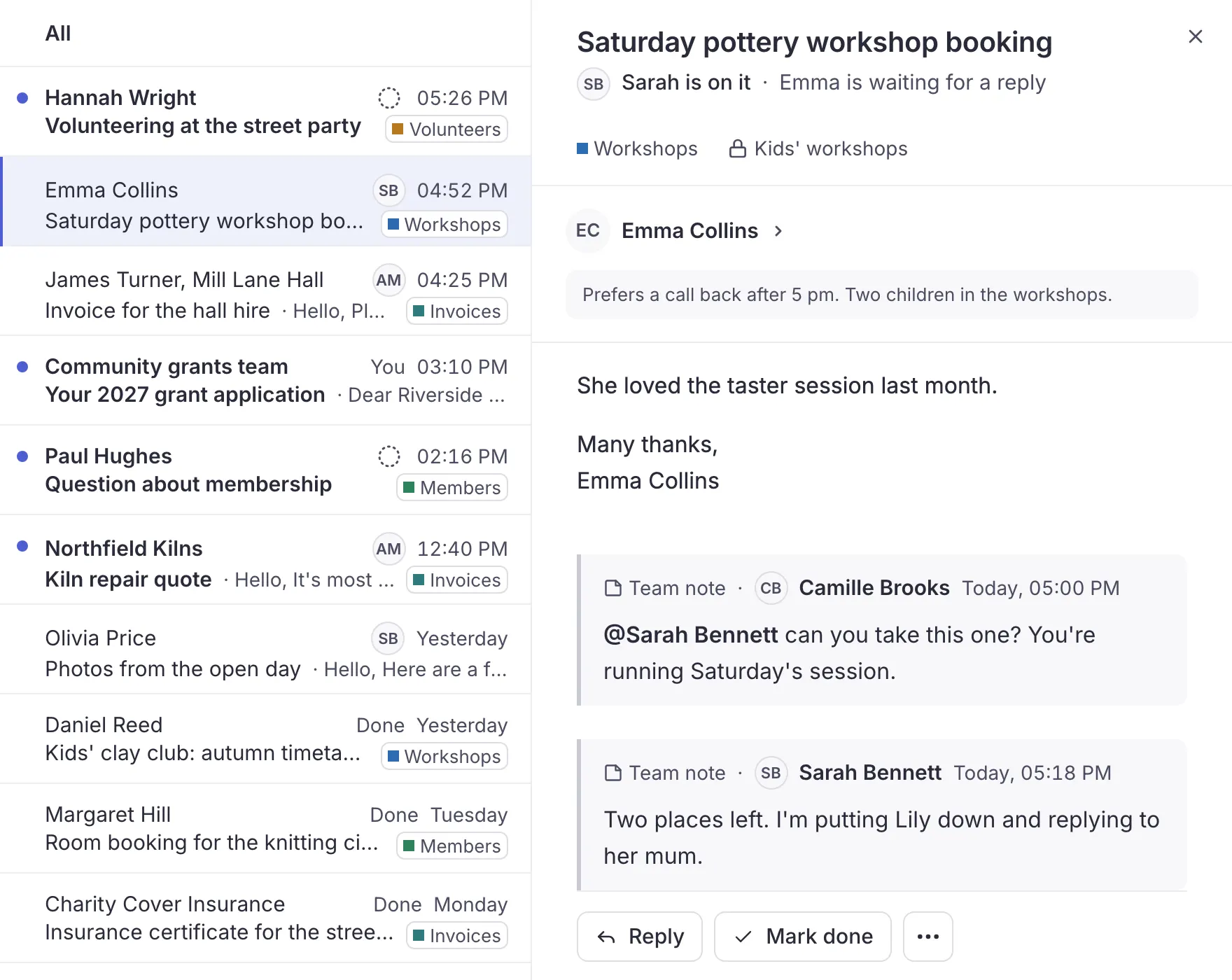
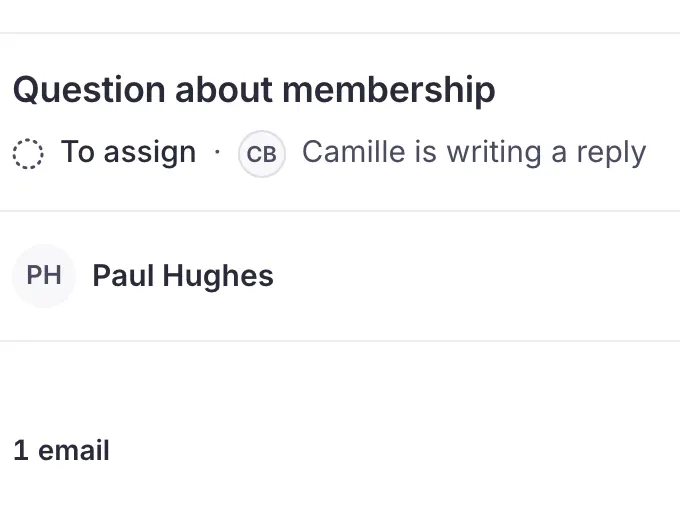
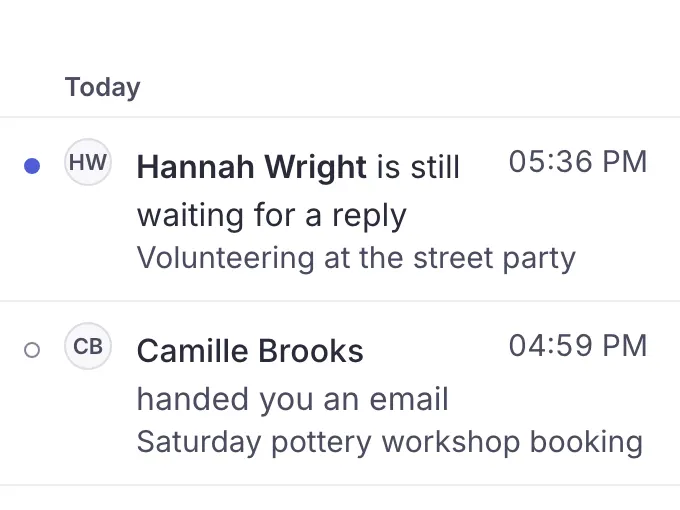
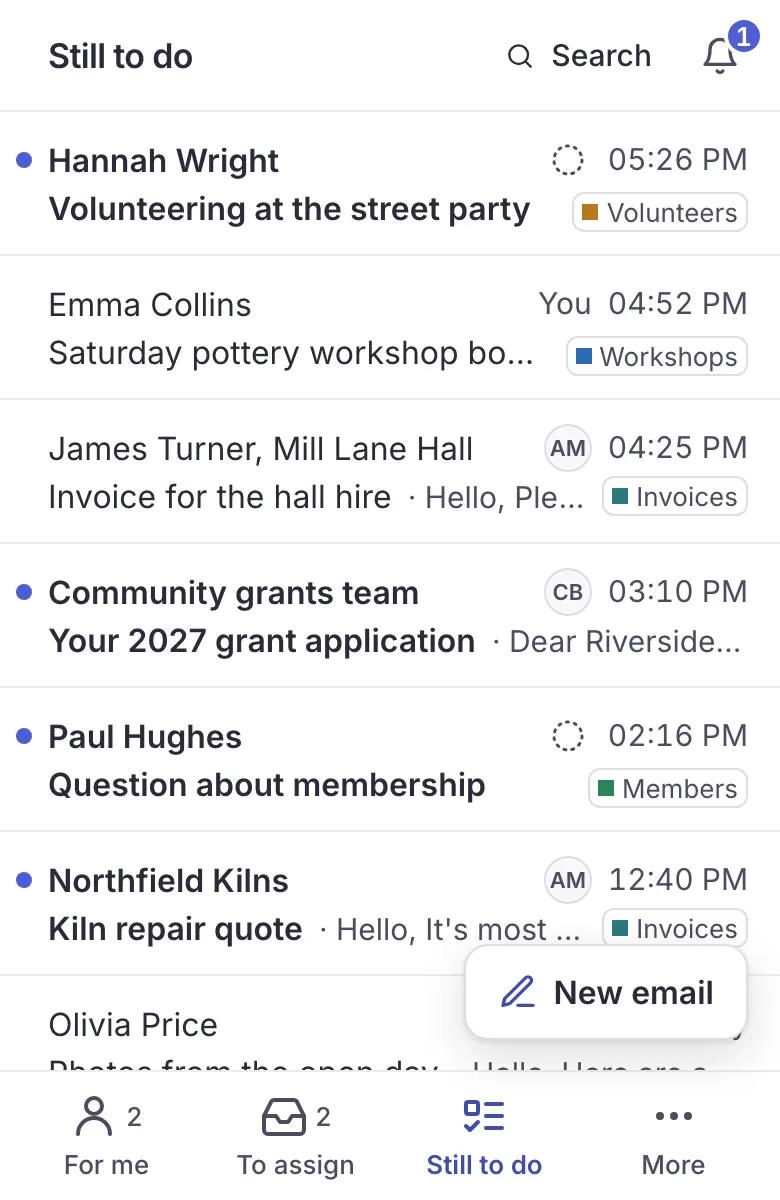
Everyone sees the same mailbox, who has taken each email, and who is replying right now.


The captures are real Trupeo screens; the picture at the top of the page and those of the inventory are redrawn from Trupeo. The people, emails and association are made up.
Sorting
Everyone sees what concerns them, and big clean-ups happen in one go.
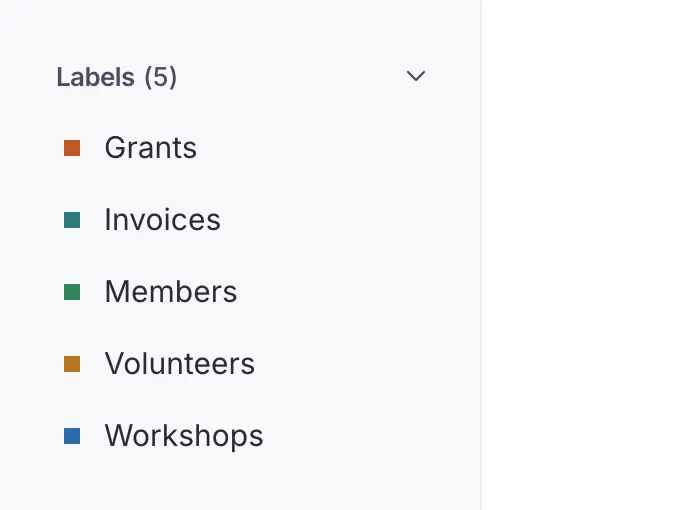
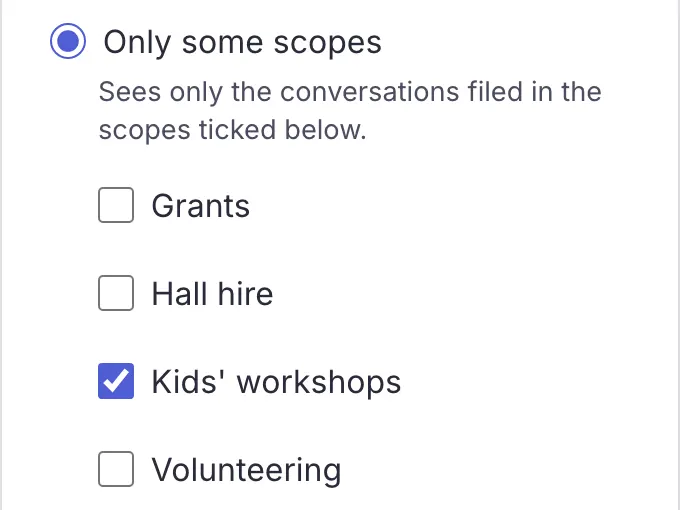
The owner creates scopes and can limit a member to some of them. Everyone files conversations in them.
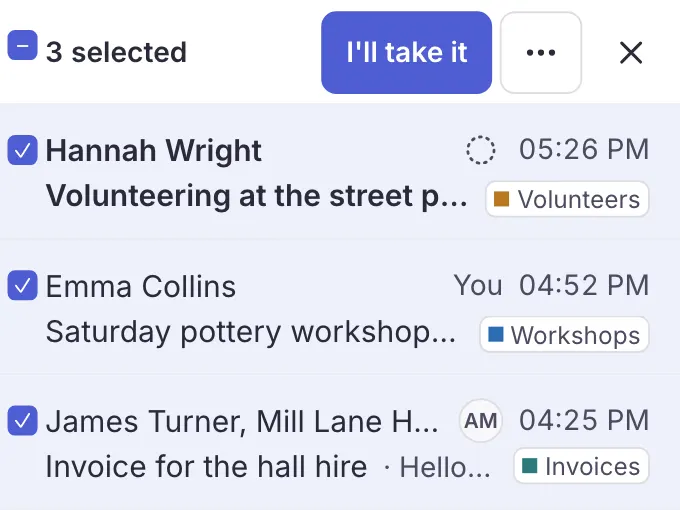
Assign, label, file or mark several emails done in one go, and undo if needed.
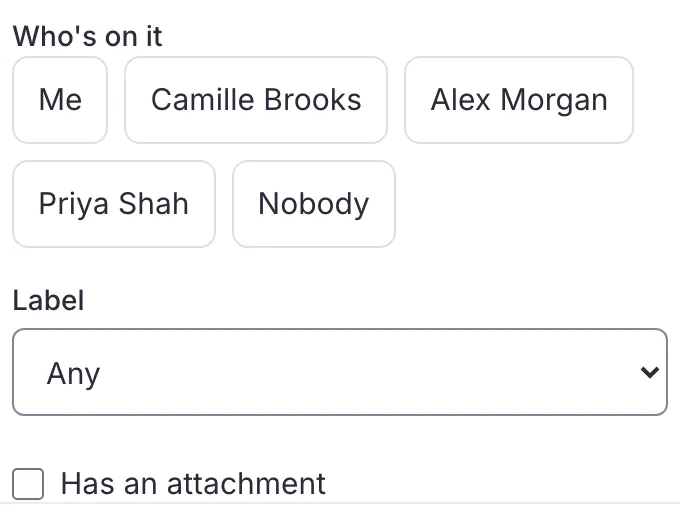
Search by sender, label, state, who's on it or attachment.


Replying
Replies leave from the shared address, and the context stays in Trupeo.
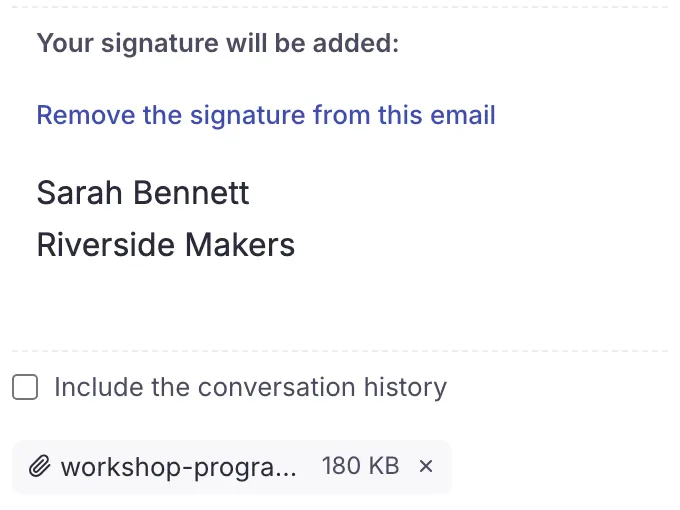
Attachments, the mailbox's signature, or no signature at all for one email.
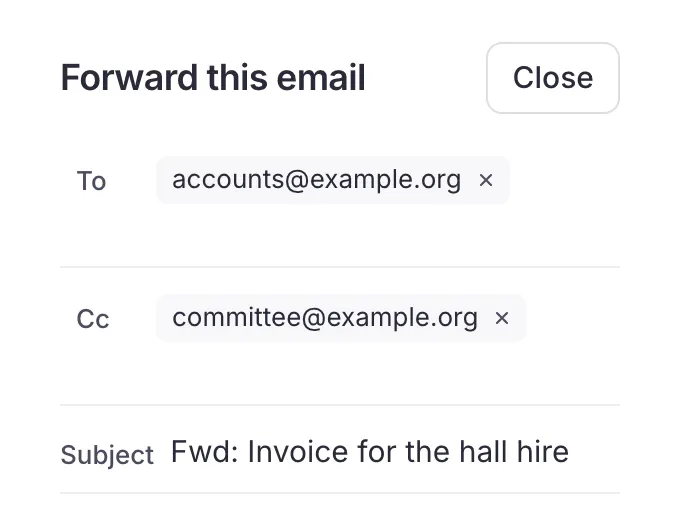
With Cc and an editable subject, in a conversation linked to the original.
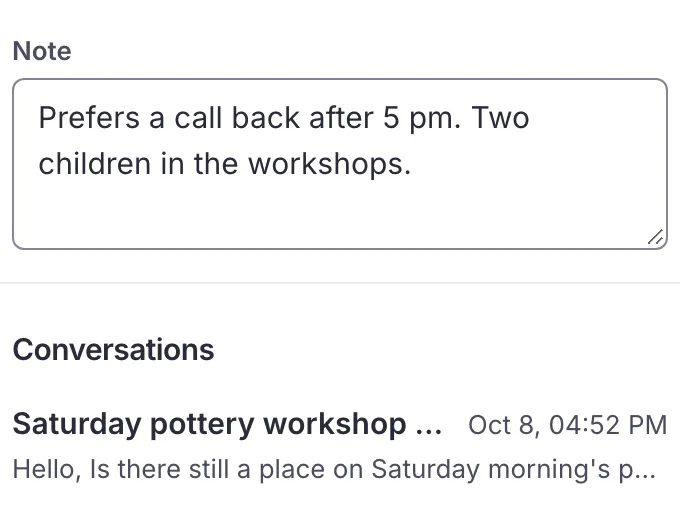
A shared address book that fills itself, with the team's notes on each contact.


In detail
Every plan includes all of it, whatever the size of your team. See pricing
Your mailboxes
Keep your Gmail, Outlook, Microsoft 365 or IMAP address, with its labels and folders. Trupeo adds a clear team view without anyone sharing its password.
Who's on it
See what is waiting, what is yours and what is already done. Hand each email to one person in a click.
Team context
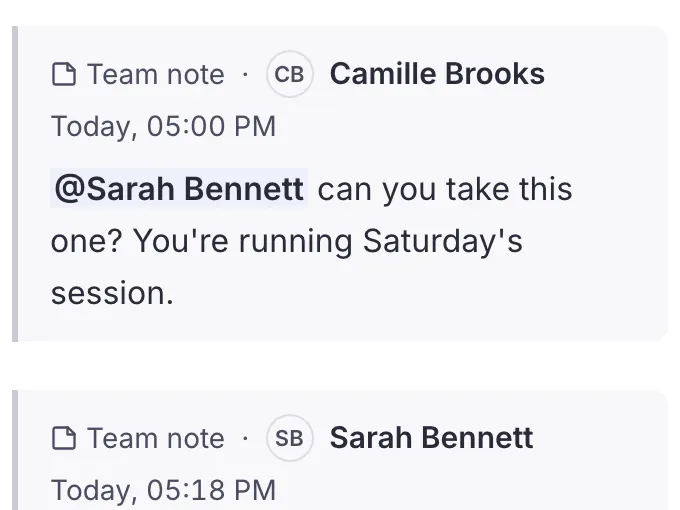
Leave a team note, mention a member and see when someone is writing. The handover happens beside the conversation.
Shared replies
Write a complete reply, add the right recipients, then send it from the address your contacts already know.
Search and act
Narrow the list by sender, date, state, who's on it or label. When several emails need the same next step, handle them together.
Your team
Invite your team, choose who looks after the mailbox's settings and keep notifications useful. Everyone has their own access, and nothing is lost when someone leaves.
Staying informed
Connect your current address and bring your team together. Nothing to install: Trupeo opens in the browser.